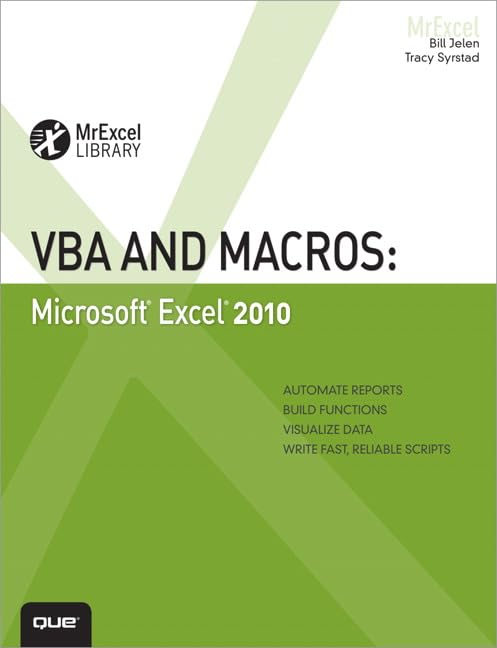
VBA and macros : Microsoft Excel 2010 / Bill Jelen, Tracy Syrstad
Material type: TextSeries: MrExcel libraryPublication details: Indianapolis, Ind. : Que Pub, 2010Description: xviii, 630 p. : ill. ; 24 cmISBN:
 - 9780789743145 (pbk.)
- 0789743140 (pbk.)
| Item type | Current library | Call number | Copy number | Status | Date due | Barcode | |
|---|---|---|---|---|---|---|---|
 Open Shelf
|
UMPLIB PEKAN | HF5548.4.M523 J456 2010 (Browse shelf(Opens below)) | 1 | Available | 0000067024 |
Includes index
Unleash the power of Excel with VBA -- This sounds like BASIC, so why doesn’t it look familiar? -- Referring to ranges -- User-defined functions -- Looping and flow control -- R1C1-style formulas -- What’s new in Excel 2010 and what has changed -- Create and manipulate names in VBA -- Event programming -- Userforms: an introduction -- Creating charts -- Data mining with advanced filter -- Using VBA to create pivot tables -- Excel power -- Data visualizations and conditional formatting -- Reading from and writing to the web -- Dashboarding with sparklines in Excel 2010 -- Automating Word -- Arrays -- Text file processing -- Using Access as a back end to enhance multi-user access to data -- Creating classes, records, and collections -- Advanced userform techniques -- Windows API -- Handling errors -- Customizing the ribbon to run macros -- Creating add-ins